Whānau Favourite Fruits Data
A free, printable technology worksheet ready for your classroom. Download instantly, print, and hand out to your students — no account needed.
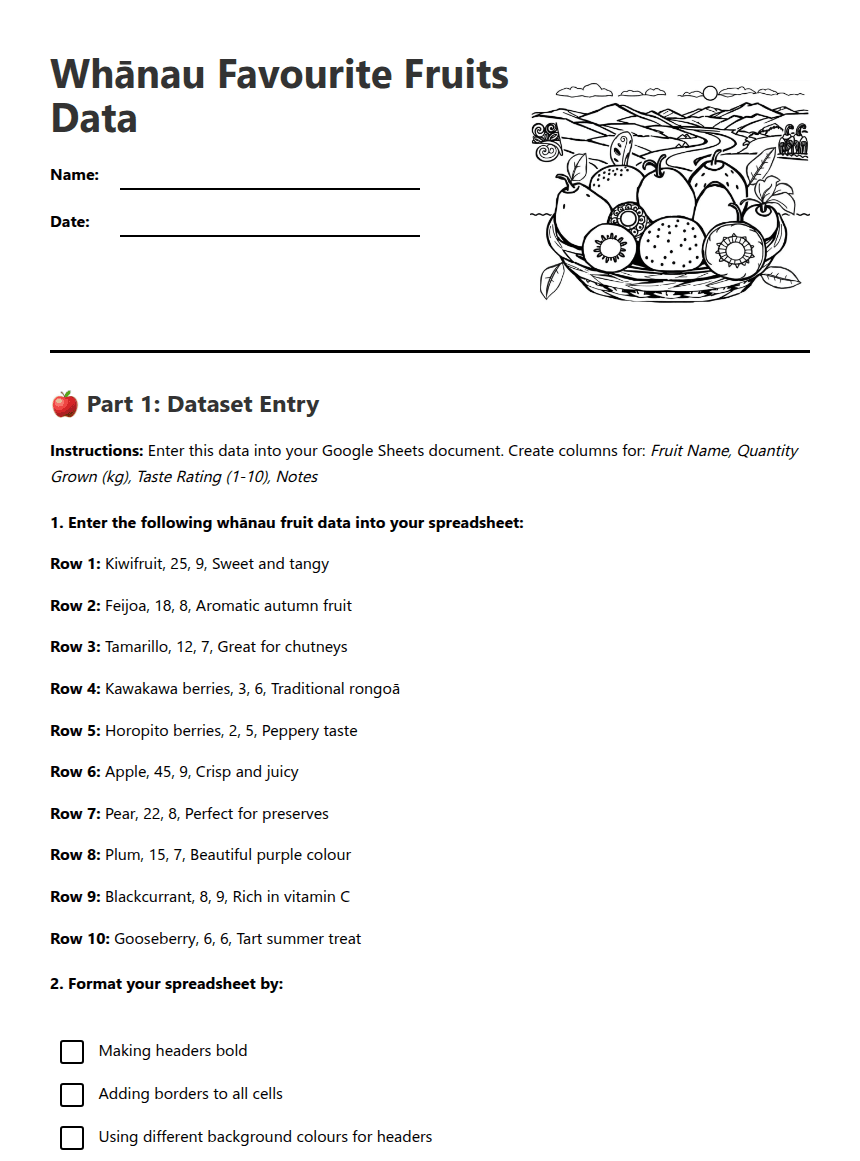
Whānau Favourite Fruits Data
🍎 Part 1: Dataset Entry
Instructions: Enter this data into your Google Sheets document. Create columns for: Fruit Name, Quantity Grown (kg), Taste Rating (1-10), Notes
Row 1: Kiwifruit, 25, 9, Sweet and tangy
Row 2: Feijoa, 18, 8, Aromatic autumn fruit
Row 3: Tamarillo, 12, 7, Great for chutneys
Row 4: Kawakawa berries, 3, 6, Traditional rongoā
Row 5: Horopito berries, 2, 5, Peppery taste
Row 6: Apple, 45, 9, Crisp and juicy
Row 7: Pear, 22, 8, Perfect for preserves
Row 8: Plum, 15, 7, Beautiful purple colour
Row 9: Blackcurrant, 8, 9, Rich in vitamin C
Row 10: Gooseberry, 6, 6, Tart summer treat
📊 Part 2: Formulas and Analysis
Write the formula you used: =SUM(_____________)
Write the formula you used: =AVERAGE(_____________)
📈 Part 3: Charts and Reflection
Fruit name: _________________ Quantity: _______ kg Taste rating: _______/10
About This Worksheet
Free Download
No sign-up, no email, no paywall. Just download and print.
Print-Ready
Formatted for standard paper. Clean layout, easy to read.
AI-Generated
Created with Kuraplan's AI, designed for real classroom use.
For Teachers & Parents
Use in classrooms, for homework, tutoring, or homeschool.
Need a custom version of this worksheet?
Kuraplan's AI generates custom worksheets in seconds — differentiated for every learner, aligned to your curriculum.
Generate Custom Worksheets — Free