
Text Features: Finding Information Fast
Using Text Features to Navigate Non-Fiction Grade 6 Reading Comprehension Virtual Learning Session
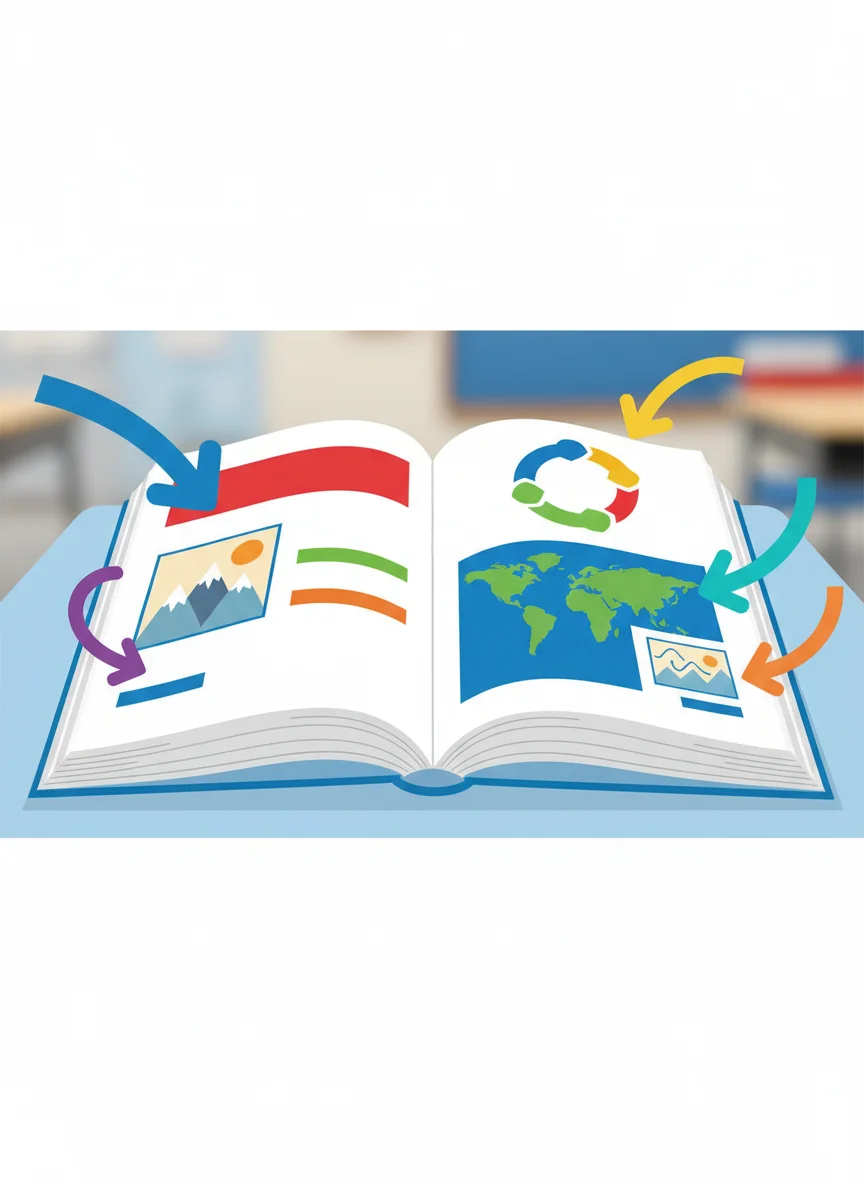
What Are Text Features?
Special parts of a text that help organize information Make reading easier and faster Help you find specific facts quickly Include pictures, headings, maps, and more

Types of Text Features
{"left":"Headings and Subheadings\nPictures and Photographs\nCaptions and Labels\nMaps and Diagrams","right":"Charts and Graphs\nBold and Italic Text\nTable of Contents\nIndex and Glossary"}
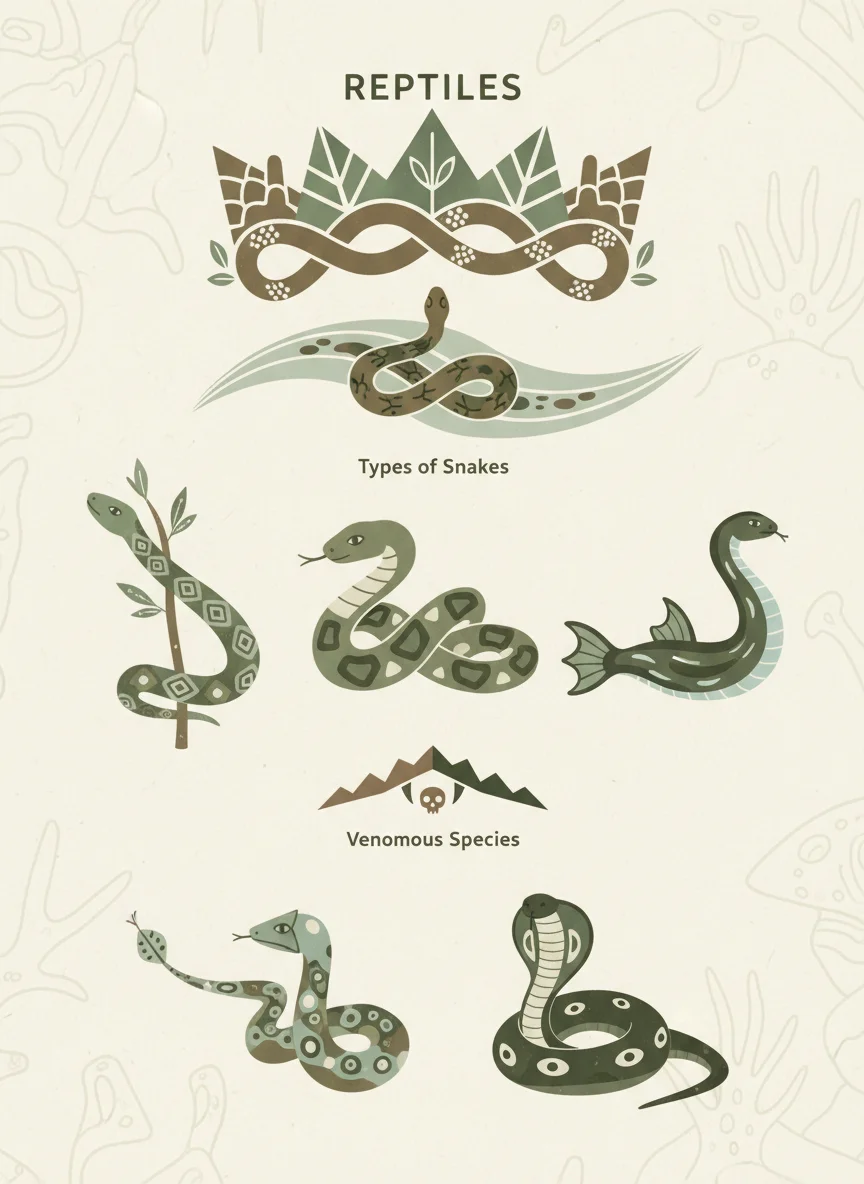
Headings and Subheadings: Your Reading GPS
Tell you what each section is about Help you skip to the information you need Organize information from general to specific Example: 'Reptiles' → 'Snakes' → 'Venomous Snakes'
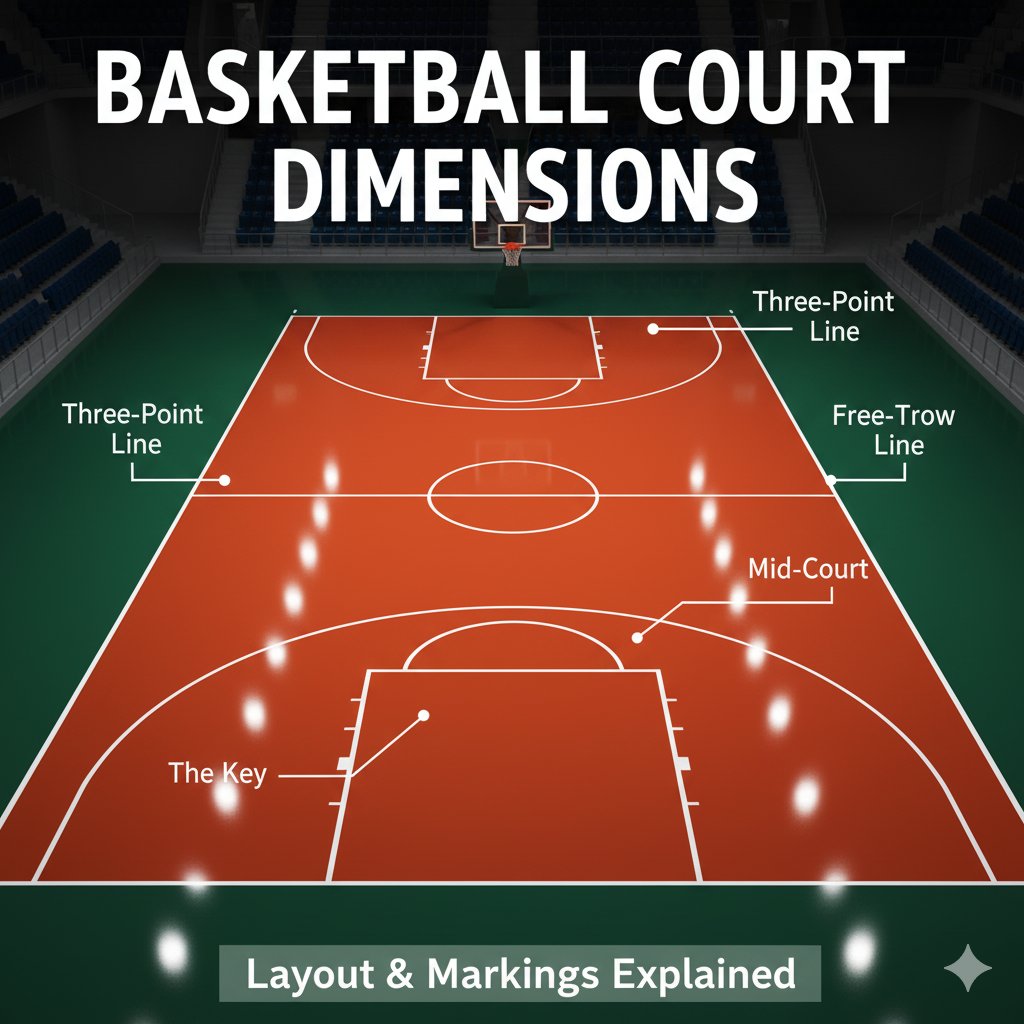
Practice: Basketball Headings
Look at this basketball article outline Main Heading: Basketball Basics Subheading: Court Layout Subheading: Player Positions Which section would help you learn about point guards?
Pictures and Captions: Visual Information
Pictures show what words describe Captions explain what's in the picture Often contain important details not in the main text Help you understand complex ideas quickly
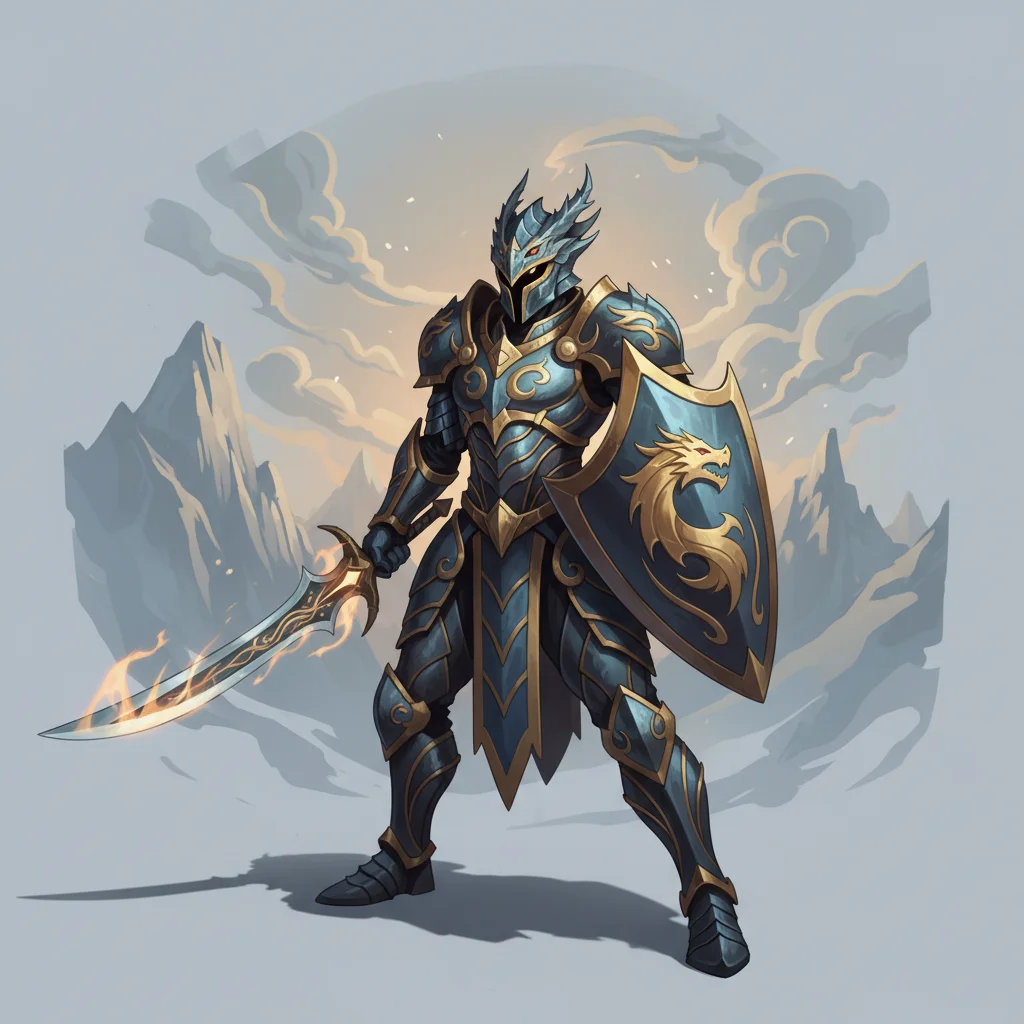
Quick Check: Video Game Manual
You're reading a video game strategy guide You see a picture of a character with special armor The caption says: 'Dragon Scale Armor provides +50 defense against fire attacks' What important information did you learn from the caption that you couldn't get from just the picture?

Maps and Diagrams: Complex Information Made Simple

Text Feature Scavenger Hunt
Find these text features in your practice article about animals: 1. One main heading 2. Two subheadings 3. A picture with a caption 4. A map or diagram Share what information each feature gave you!

Putting It All Together: Reading Like a Detective
Start with headings to find your topic Look at pictures and diagrams for visual clues Read captions for specific details Use these features to answer questions quickly Save time by reading strategically!