Internet Navigation Skills
A free technology worksheet ready for your classroom. Open in Kuraplan to grab the print-ready PDF, customize it for your students, or generate a fresh version in seconds.
Internet Navigation Skills

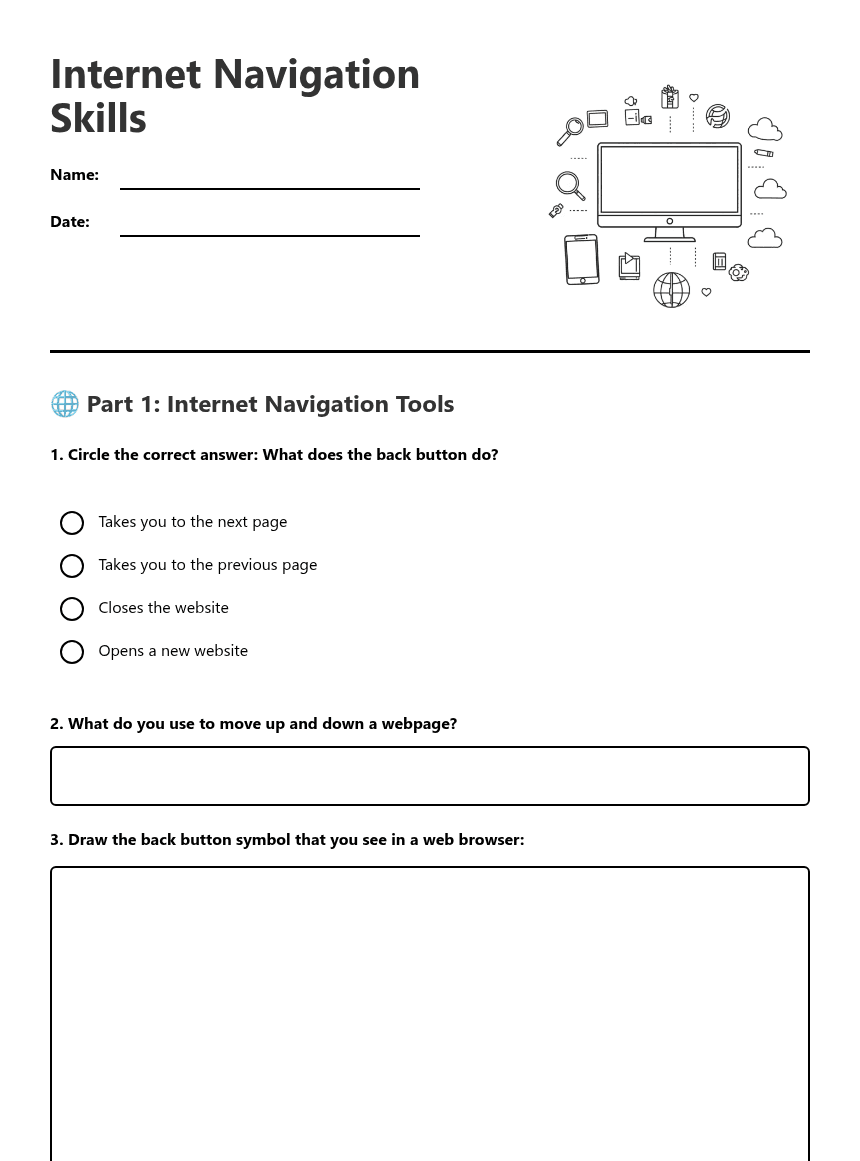
🌐 Part 1: Internet Navigation Tools
⭐ Part 2: Favourites and Bookmarks
When I want to save a webpage for later, I can mark it as a ____________. This helps me ____________ the page quickly next time I want to visit it.
📚 Part 3: Types of Information Online
🔒 Part 4: Internet Safety
I should only visit websites that my ____________ or ____________ have said are safe. If I see something that worries me, I should tell a ____________ adult straight away.
🎯 Part 5: Navigation Practice
____ Use the scroll bar to look at different parts of the page
____ Open a safe website
____ Mark the page as a favourite if you want to visit it again
____ Use the back button to return to the previous page
1. ________________________
2. ________________________
3. ________________________
About This Worksheet
Free in Kuraplan
Sign up free, grab the PDF, and customize it for your class.
Print-Ready
Formatted for standard paper. Clean layout, easy to read.
AI-Generated
Created with Kuraplan's AI, designed for real classroom use.
For Teachers & Parents
Use in classrooms, for homework, tutoring, or homeschool.
Need a custom version of this worksheet?
Kuraplan's AI generates custom worksheets in seconds — differentiated for every learner, aligned to your curriculum.
Generate Custom Worksheets — FreeMore Technology Worksheets
Technology Use Answer Key
Free
Food Technology Welcome Sheet
Free
Technology in Daily Life
Free
Technology's Teen Impact
Free
Technology Reading Comprehension
Free
Spanish Technology Vocabulary Practice
Free
Food Technology and Wellbeing
Free