MusicFreePrintable
Garageband Interface Introduction
A free music worksheet ready for your classroom. Open in Kuraplan to grab the print-ready PDF, customize it for your students, or generate a fresh version in seconds.

Garageband Interface Introduction
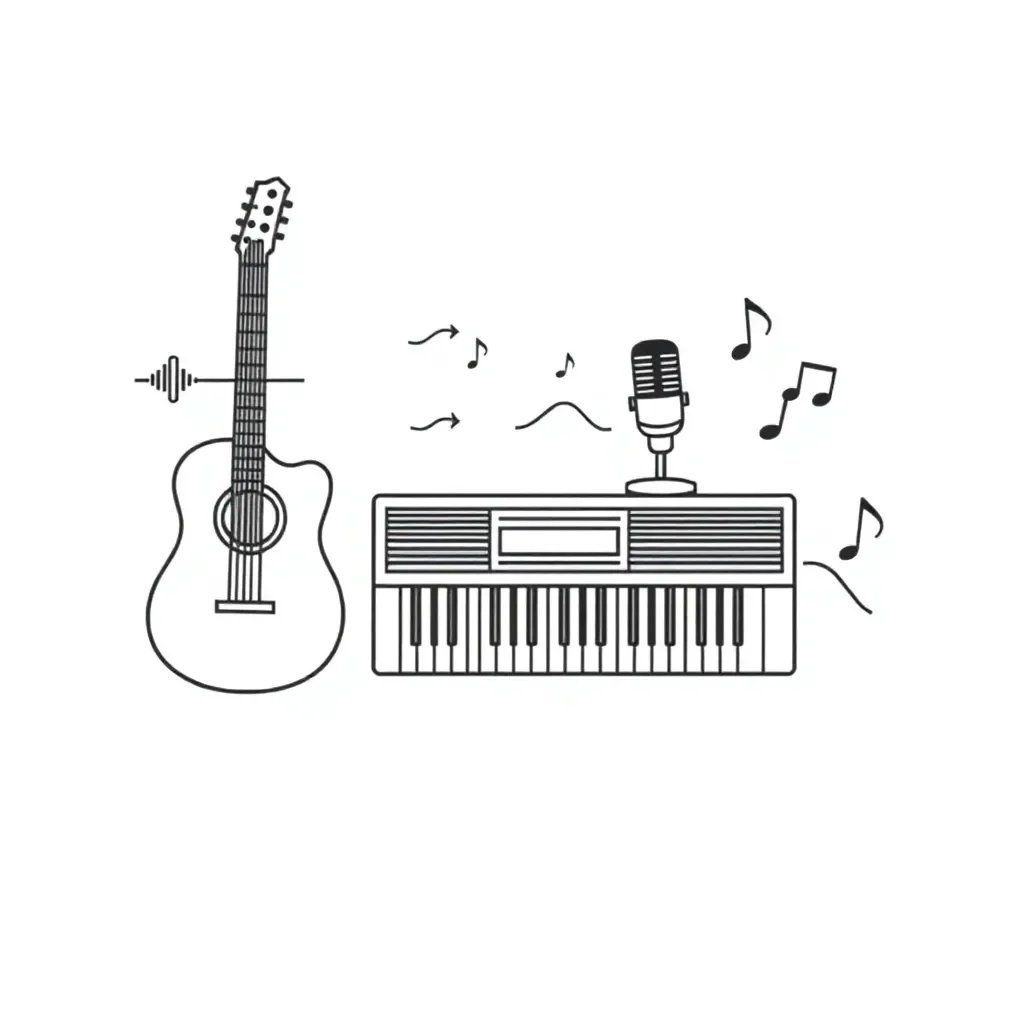
🎵 Part 1: Interface Knowledge
1. Which button would you press to start recording in Garageband?
Play button (triangle)
Record button (red circle)
Stop button (square)
Pause button
2. Where would you go to select different instruments in Garageband?
The Timeline
The Library
The Control Bar
The Track Header
3. What are the main areas of the Garageband workspace? (Tick all that apply)
Track Header
Library
Control Bar
Timeline
Email Section
4. The transport controls in Garageband include:
Only play and stop
Play, record, pause, and stop
Only record and play
Only the volume slider
✏️ Part 2: Creating Your Project
5. When creating a new project in Garageband, what should you do first?
Choose the most logical first step: ________________
6. Describe the steps to add a software instrument track to your project:
7. Why is it important to save your Garageband project with a suitable filename?
8. What is the purpose of the timeline in Garageband?
🎯 Part 3: Reflection & Extension
9. List three benefits of using digital tools like Garageband for songwriting:
1. _________________________________________________
2. _________________________________________________
3. _________________________________________________
10. Extension Challenge: If you wanted to add a drum loop to your project, which area of Garageband would you explore and why?
11. What is one question you still have about Garageband after today's lesson?
About This Worksheet
Free in Kuraplan
Sign up free, grab the PDF, and customize it for your class.
Print-Ready
Formatted for standard paper. Clean layout, easy to read.
AI-Generated
Created with Kuraplan's AI, designed for real classroom use.
For Teachers & Parents
Use in classrooms, for homework, tutoring, or homeschool.
Need a custom version of this worksheet?
Kuraplan's AI generates custom worksheets in seconds — differentiated for every learner, aligned to your curriculum.
Generate Custom Worksheets — Free No credit card Curriculum-aligned Under 60 seconds
More Music Worksheets
Year 7–9
NZ Music Month Exit
Free
Year 6–7
Australian Music Figurative Language
Free
Year 9
Music and Contexts Worksheet
Free
Year 5–6
Music Notation Basics
Free
Year 10
Music Theory Application Worksheet
Free
Year 10
Syncopation in Pop Music
Free
Year 0–3
Water Safety Musical Exploration
Free
Year 0–3