Mouse, Code, Safety for SEN
Technology for Year 3 & 4 Building confidence with computers Learning about computer parts inside DRAG AND DROP ACTIVITY Bright colorful computer part cards with large text and clear icons Match parts to the correct spots inside the computer Friendly hints and visual cues to help you succeed Fun interactive learning with simple clear instructions
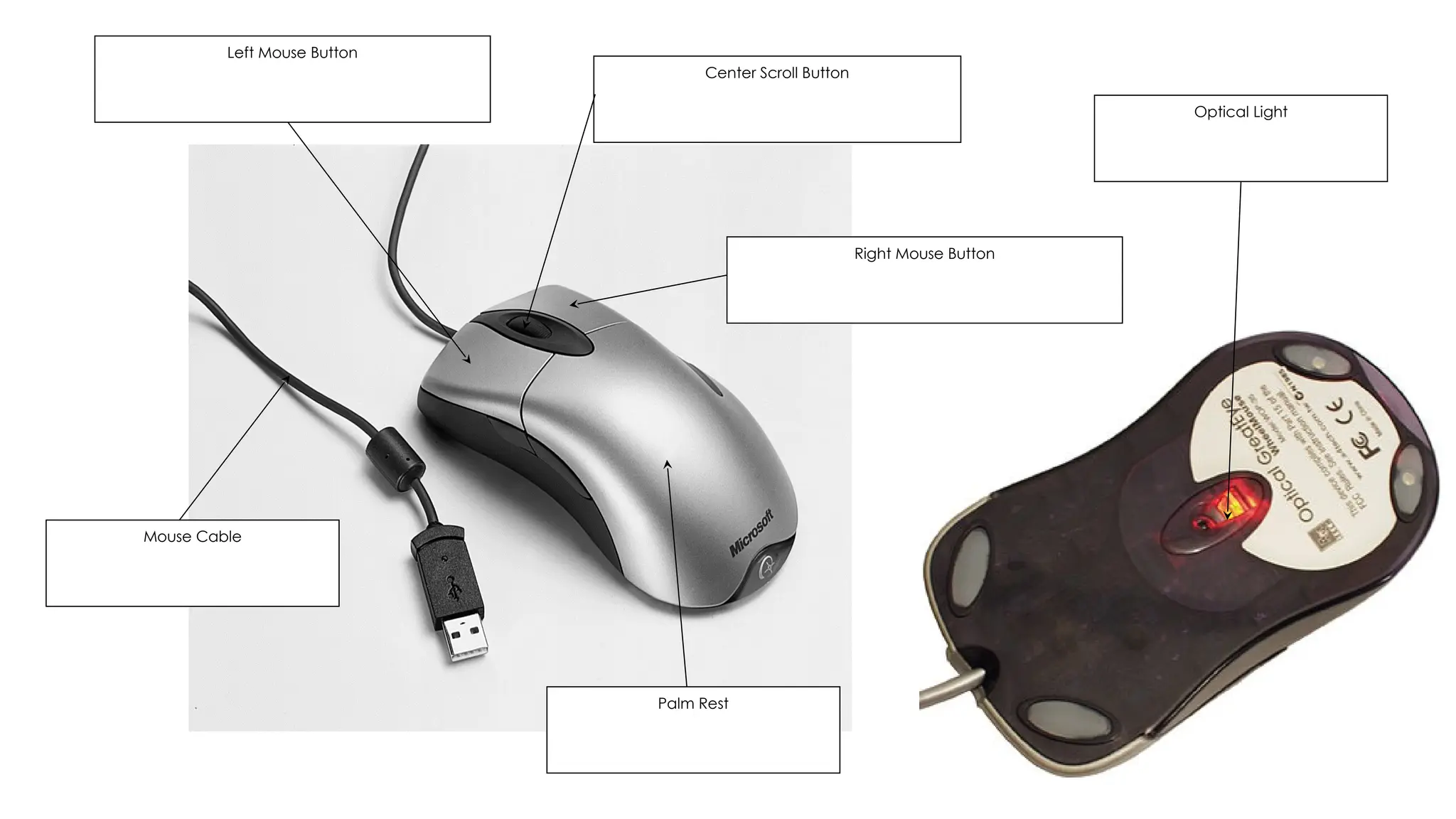
Meet Your Computer Friends
The mouse helps us point and click The keyboard helps us type letters Both work together to control the computer Let's explore their parts together

Mouse Practice Time
Trace the mouse movement on paper Practice left-clicking like a stamp Move the mouse smoothly across the desk Take turns with your partner
What is an Algorithm?
An algorithm is a list of steps It tells the computer what to do Like a recipe for cooking Each step must be in the right order

Follow the Algorithm
Read each step carefully Follow the steps in order Move mouse up, click on icon, type letter 'a', press Enter Work with your partner to complete each step
Staying Safe Online
Never share your password with anyone Only talk to people you know Tell an adult if something upsets you Keep personal information private
Safety Role Play
Act out different online situations Good behavior: asking an adult for help Unsafe behavior: sharing passwords Practice what to do in each situation
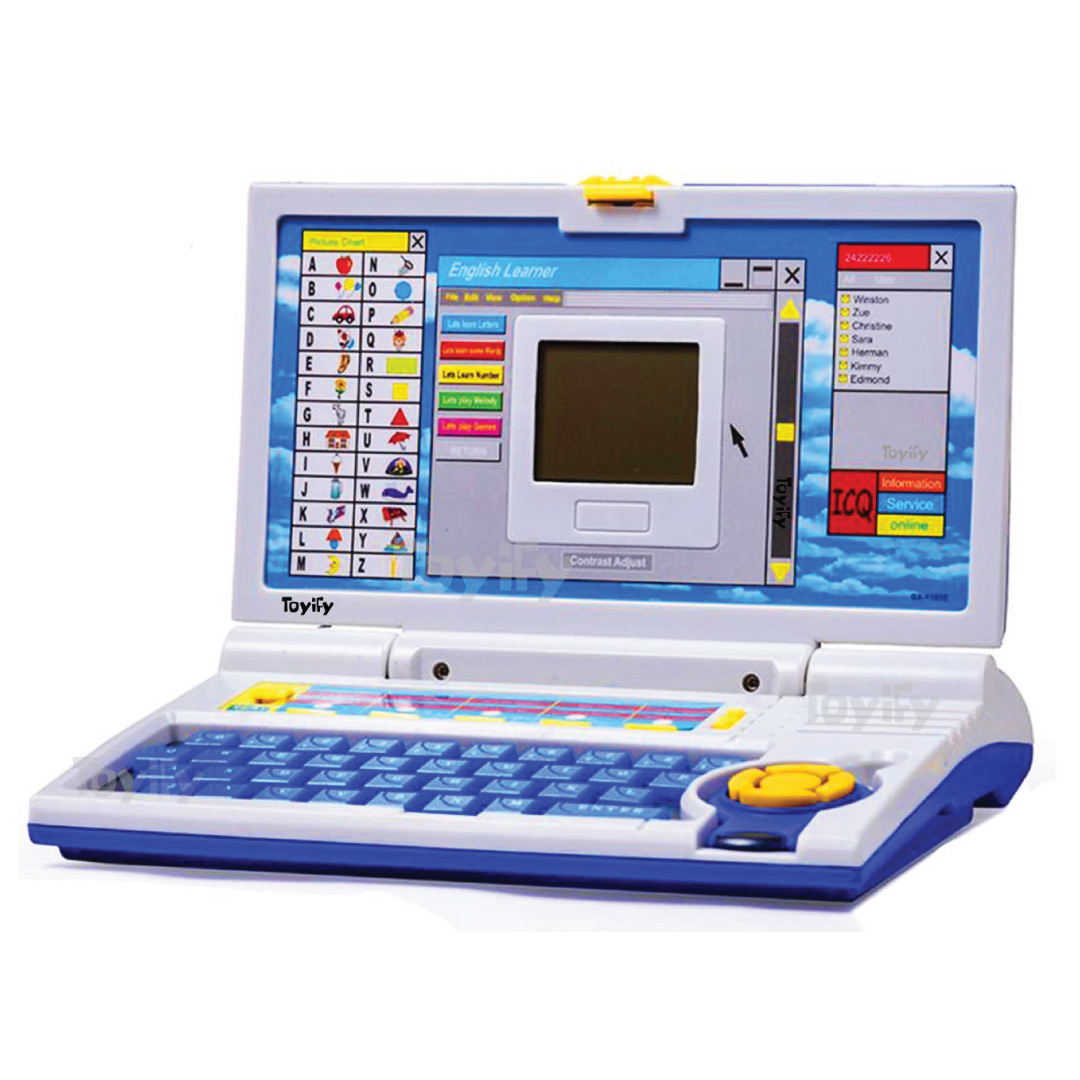
Mouse & Keyboard Game Time
Play digital jigsaw puzzles Practice dragging and dropping Try typing letters and numbers Take turns and encourage each other
Let's Review What We Learned
What did we use the mouse and keyboard for? What is an algorithm? Name one safe behavior on the internet Show thumbs up if you feel confident!
Well Done Everyone!
You learned to use the mouse and keyboard You followed algorithms step by step You know how to stay safe online Remember to always ask for help if you're unsure