Whānau Favourite Fruits Data
A free technology worksheet ready for your classroom. Open in Kuraplan to grab the print-ready PDF, customize it for your students, or generate a fresh version in seconds.
Whānau Favourite Fruits Data
🍎 Part 1: Dataset Entry
Instructions: Enter this data into your Google Sheets document. Create columns for: Fruit Name, Quantity Grown (kg), Taste Rating (1-10), Notes
Row 1: Kiwifruit, 25, 9, Sweet and tangy
Row 2: Feijoa, 18, 8, Aromatic autumn fruit
Row 3: Tamarillo, 12, 7, Great for chutneys
Row 4: Kawakawa berries, 3, 6, Traditional rongoā
Row 5: Horopito berries, 2, 5, Peppery taste
Row 6: Apple, 45, 9, Crisp and juicy
Row 7: Pear, 22, 8, Perfect for preserves
Row 8: Plum, 15, 7, Beautiful purple colour
Row 9: Blackcurrant, 8, 9, Rich in vitamin C
Row 10: Gooseberry, 6, 6, Tart summer treat
📊 Part 2: Formulas and Analysis
Write the formula you used: =SUM(_____________)
Write the formula you used: =AVERAGE(_____________)
📈 Part 3: Charts and Reflection
Fruit name: _________________ Quantity: _______ kg Taste rating: _______/10
About This Worksheet
Free in Kuraplan
Sign up free, grab the PDF, and customize it for your class.
Print-Ready
Formatted for standard paper. Clean layout, easy to read.
AI-Generated
Created with Kuraplan's AI, designed for real classroom use.
For Teachers & Parents
Use in classrooms, for homework, tutoring, or homeschool.
Need a custom version of this worksheet?
Kuraplan's AI generates custom worksheets in seconds — differentiated for every learner, aligned to your curriculum.
Generate Custom Worksheets — FreeMore Technology Worksheets
Technology Use Answer Key
Free
Food Technology Welcome Sheet
Free
Technology in Daily Life
Free
Technology's Teen Impact
Free
Technology Reading Comprehension
Free
Spanish Technology Vocabulary Practice
Free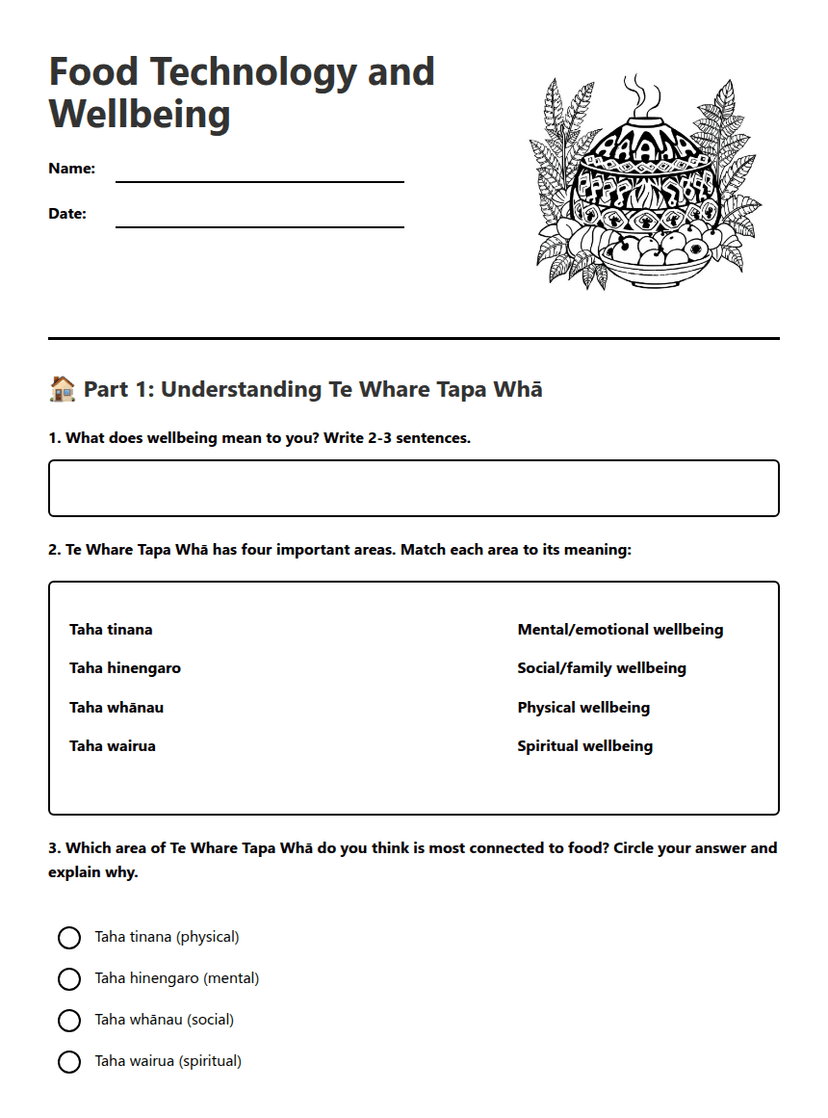
Food Technology and Wellbeing
Free