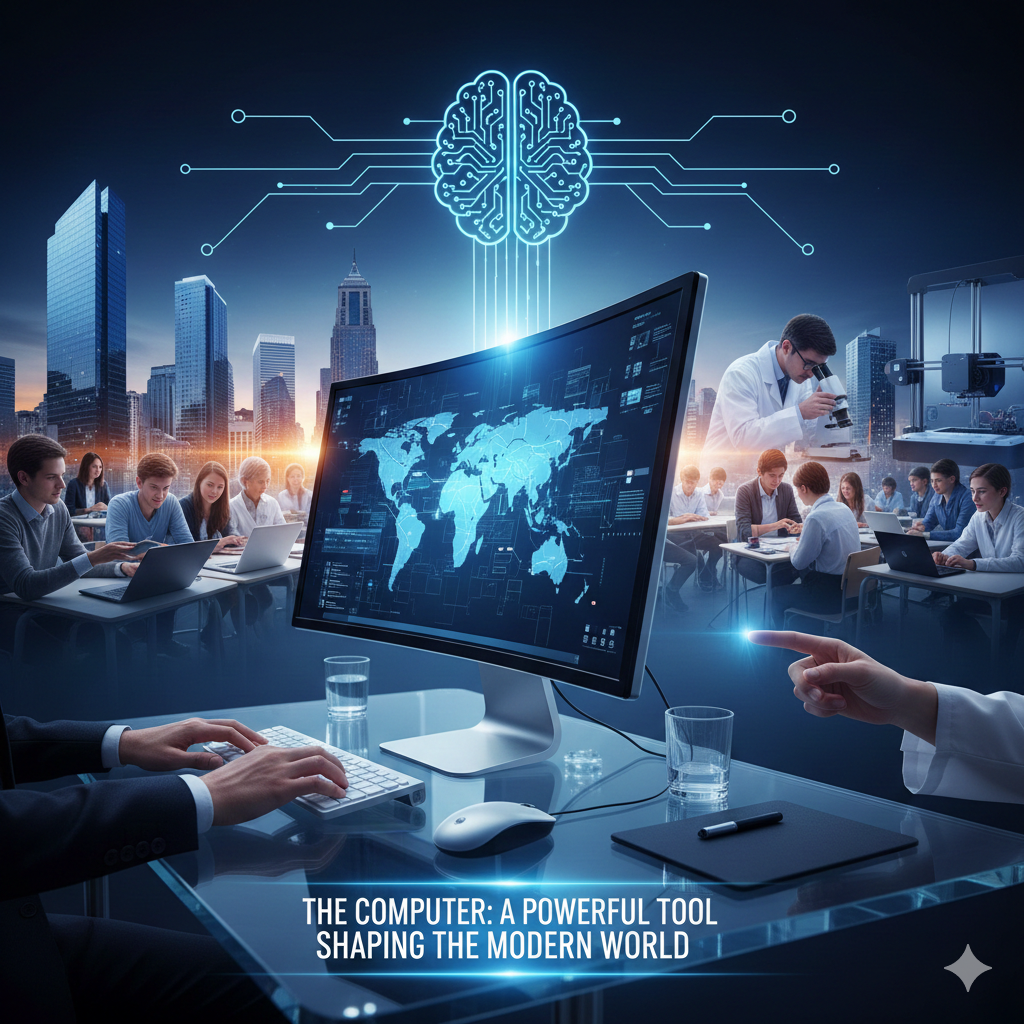
How Computers Work Today
Understanding Modern Computing From Input to Output Year 9 Technology

What is a Computer?
A machine that processes information Follows instructions called programs Takes input, processes it, gives output Examples: phones, laptops, gaming consoles
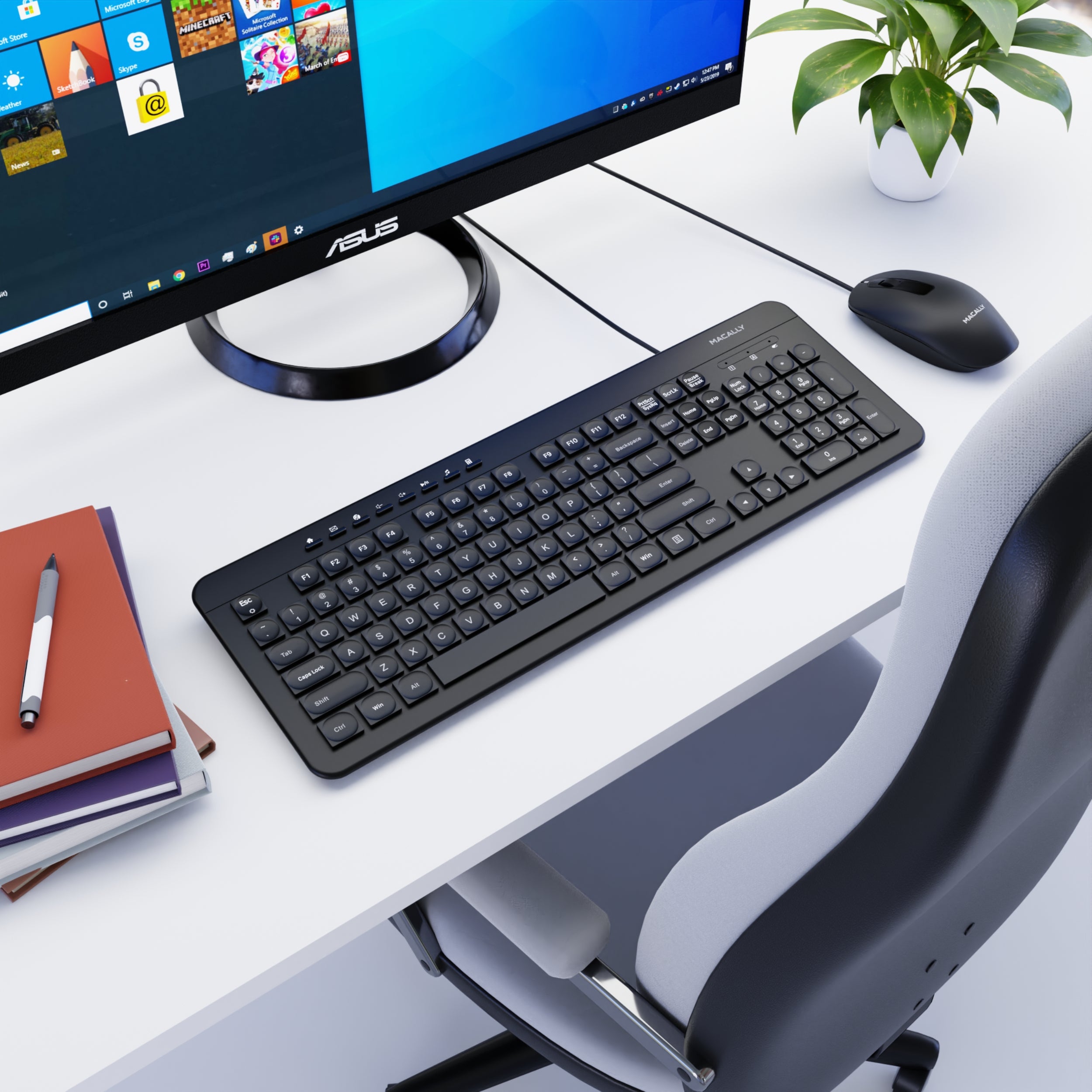
Input vs Output
{"left":"Keyboard typing\nMouse clicking\nTouchscreen tapping\nVoice commands","right":"Text on screen\nImages and videos\nSound from speakers\nPrinted documents"}

Spot the Computer Parts!
Look around the classroom Find 5 different input devices Find 5 different output devices Share your discoveries with a partner

Inside the Computer: The CPU
CPU = Central Processing Unit The 'brain' of the computer Follows instructions very quickly Measured in GHz (billions per second)
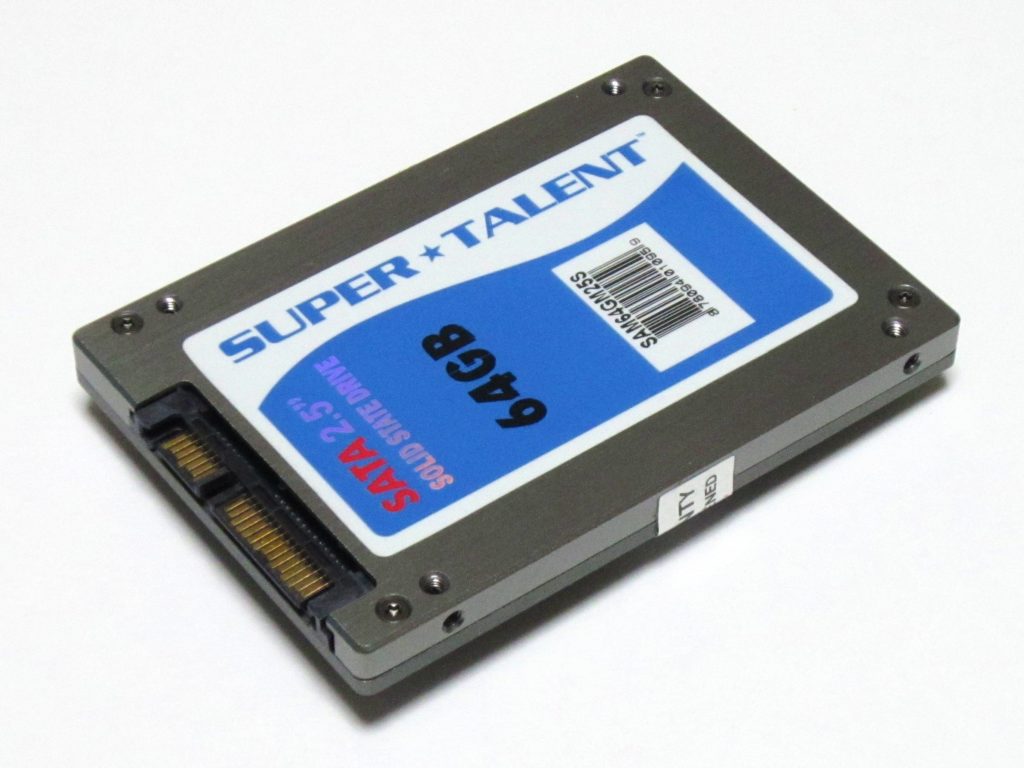
Memory: RAM and Storage
RAM = temporary memory (like a desk) Storage = permanent memory (like a filing cabinet) RAM is faster but disappears when power off Storage keeps files even when computer is off

Think and Discuss
Why do you think computers need both RAM and storage? What happens when a computer runs out of RAM? Can you think of examples from your own device use?

How It All Works Together
Input devices send data to CPU CPU processes using instructions from storage RAM holds information temporarily Results sent to output devices This happens millions of times per second!