Exploring Software Features: Year 8
A 10-Week Journey Through Digital Tools Technology Education for Year 8 Students Australian Curriculum Aligned
Course Overview
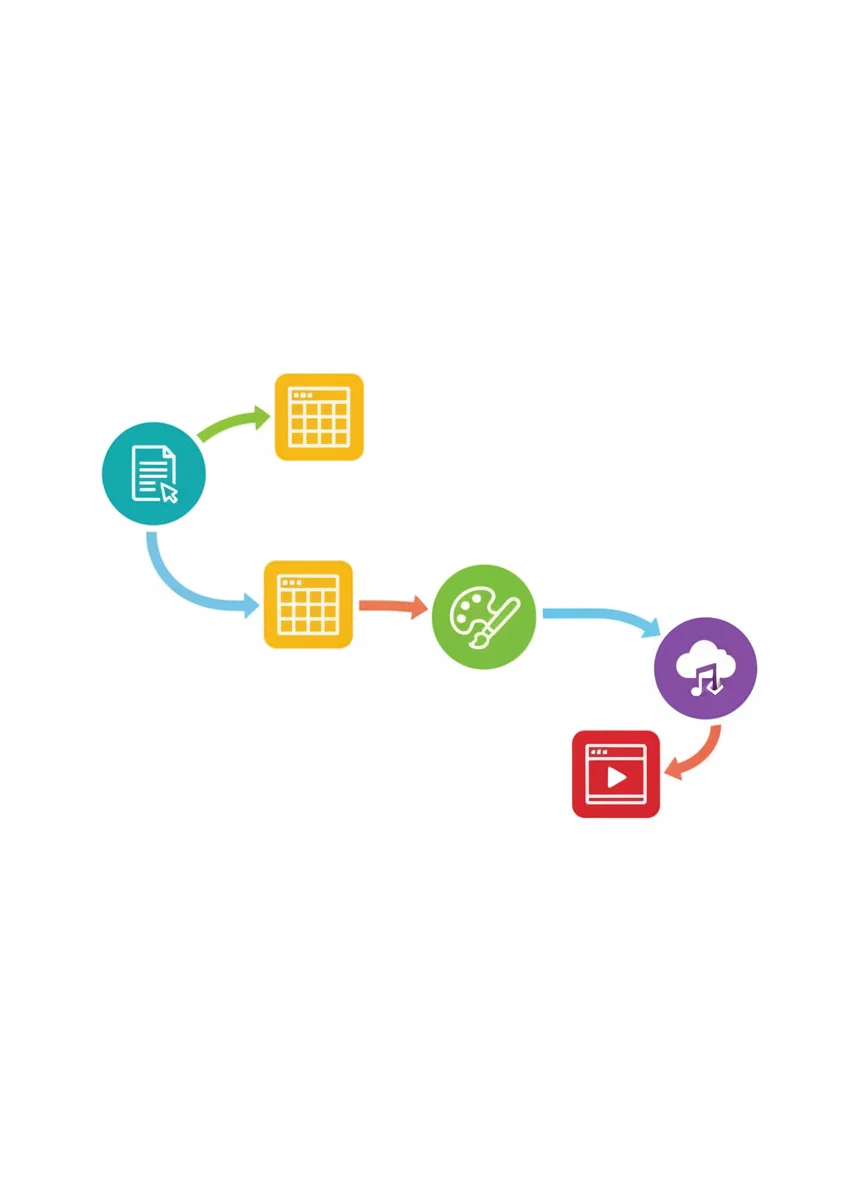
10 weeks of software exploration Learn to identify and describe software features Select appropriate tools for specific purposes Create digital projects for real audiences Develop digital literacy skills
What Software Do You Already Use?
Think about the apps and programs you use daily What do you use them for? How do you choose which one to use?
What Is Software?
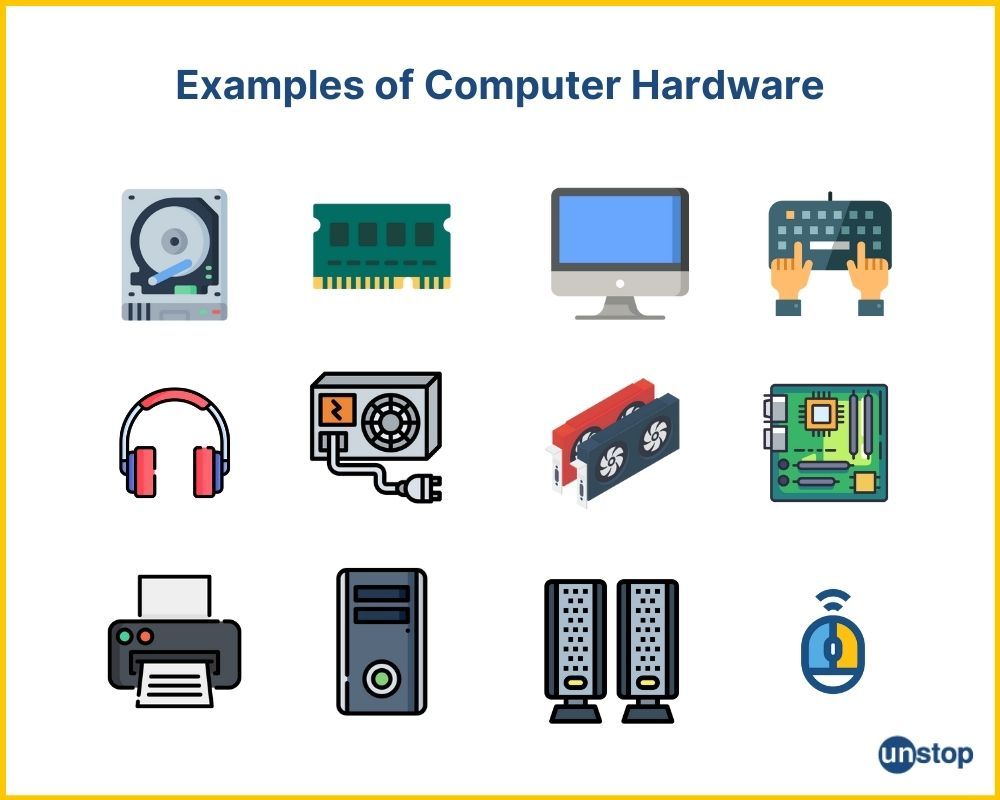
Programs that run on computers and devices Instructions that tell hardware what to do Examples: Apps on your phone, programs on computers Different software serves different purposes

Software Features and Conventions
Toolbars and menus - where tools are organized File operations - save, open, export Formatting options - fonts, colors, styles Help systems and tutorials

Software Scavenger Hunt
Work in pairs to find software features Look for toolbars, menus, and help options Try different software on your devices Record what you discover
Week 2 Preview: Word Processing
Creating documents for different audiences Formatting text and adding images Using templates and styles Collaboration and sharing features
Week 3 Preview: Spreadsheets
Organizing and calculating data Creating charts and graphs Using formulas and functions Planning budgets and tracking information
Week 4 Preview: Presentations
Designing slides that engage audiences Using animations and transitions effectively Adding multimedia elements Presenting ideas clearly and confidently

Week 5 Preview: Podcasts and Audio
Recording and editing audio content Planning podcast episodes Adding music and sound effects Sharing audio stories with audiences
Week 6 Preview: Image Editing
Enhancing and manipulating digital images Using layers and effects creatively Creating digital artwork and posters Understanding copyright and image ethics
Week 7 Preview: Design and Drawing
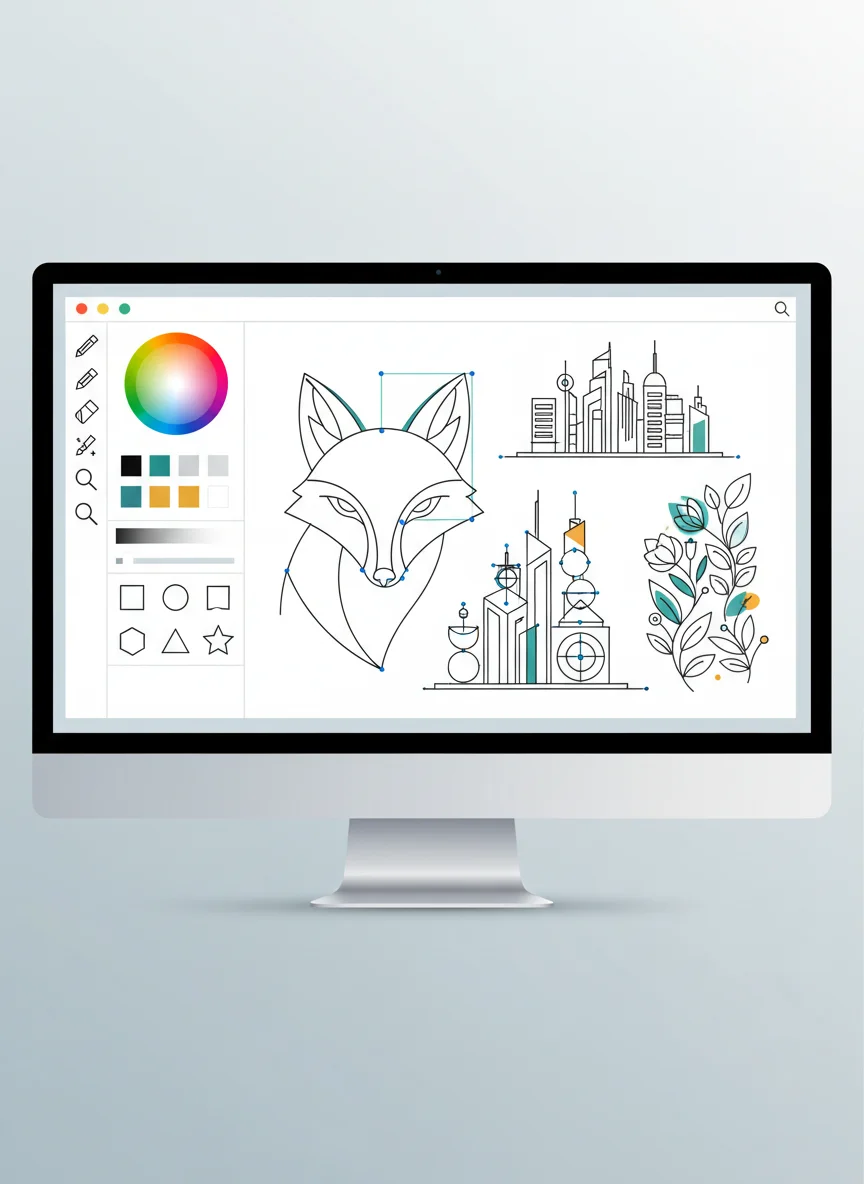
Creating vector graphics and digital art Understanding design principles Making logos, icons, and illustrations Choosing between different drawing tools
17 more slides available after you open the deck.
Download all 29 slides