
Data Flow Exploration Adventures
Digital Technologies Year 3 35 Minutes
WALT - We Are Learning To
Understand how data flows in digital systems using input and output devices Explore the role of peripheral devices with Indi Sphero robots Collaborate to program Indi Sphero to respond to inputs and produce outputs Work as a team to solve data flow challenges
Success Criteria - How We Know We've Succeeded
I can identify devices that send data INTO a system (input) I can identify devices that show data OUT of a system (output) I can explain how data moves from input to output I can program an Indi Sphero robot to react to commands I can work with my team to solve data flow tasks
Resources We'll Use Today
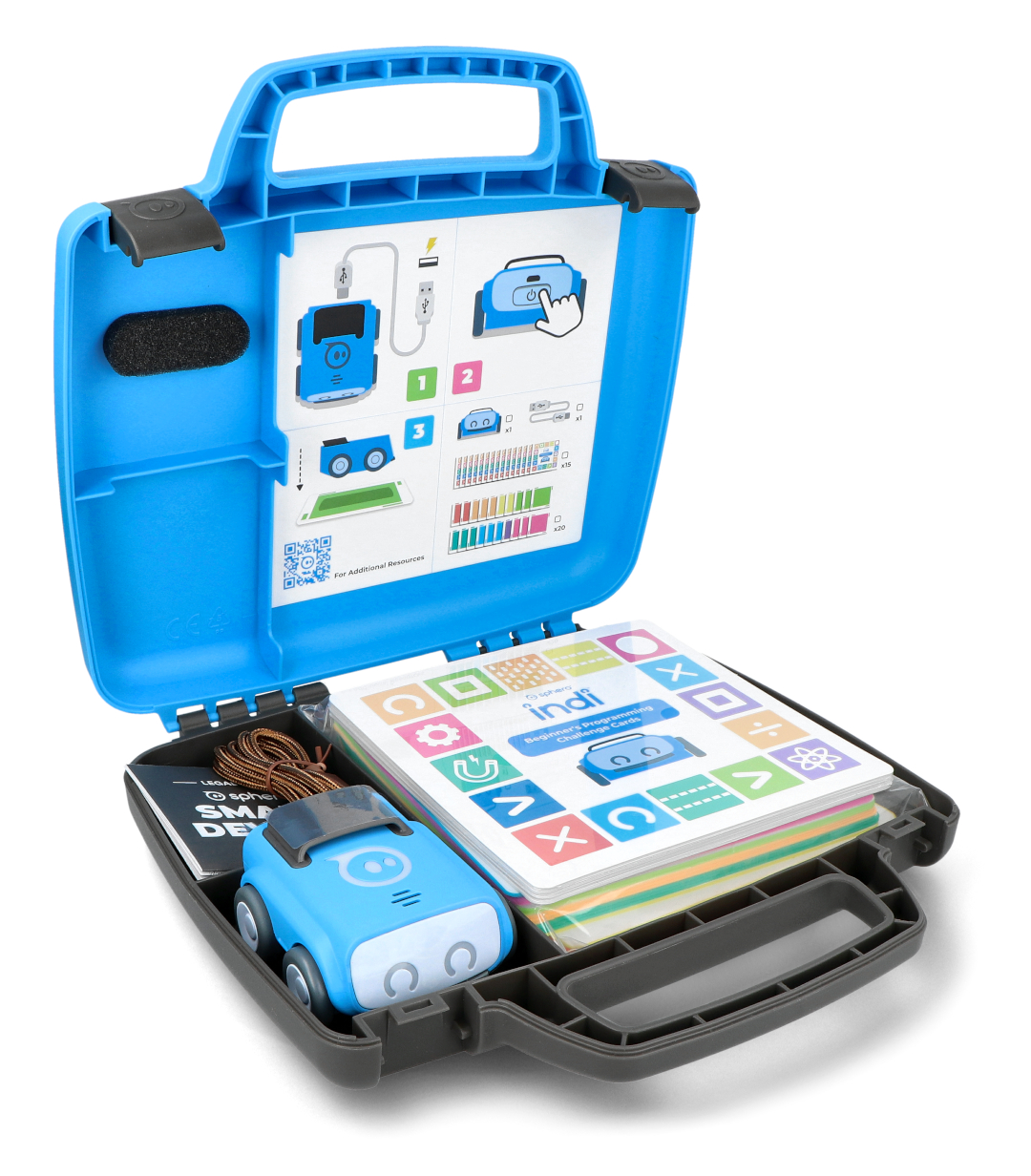
Indi Sphero Robots (one per group) iPads with Indi Sphero programming app Open floor space for movement activities Seesaw app for reflections and sharing Visual cards showing input and output devices
Introduction & Engagement Activity
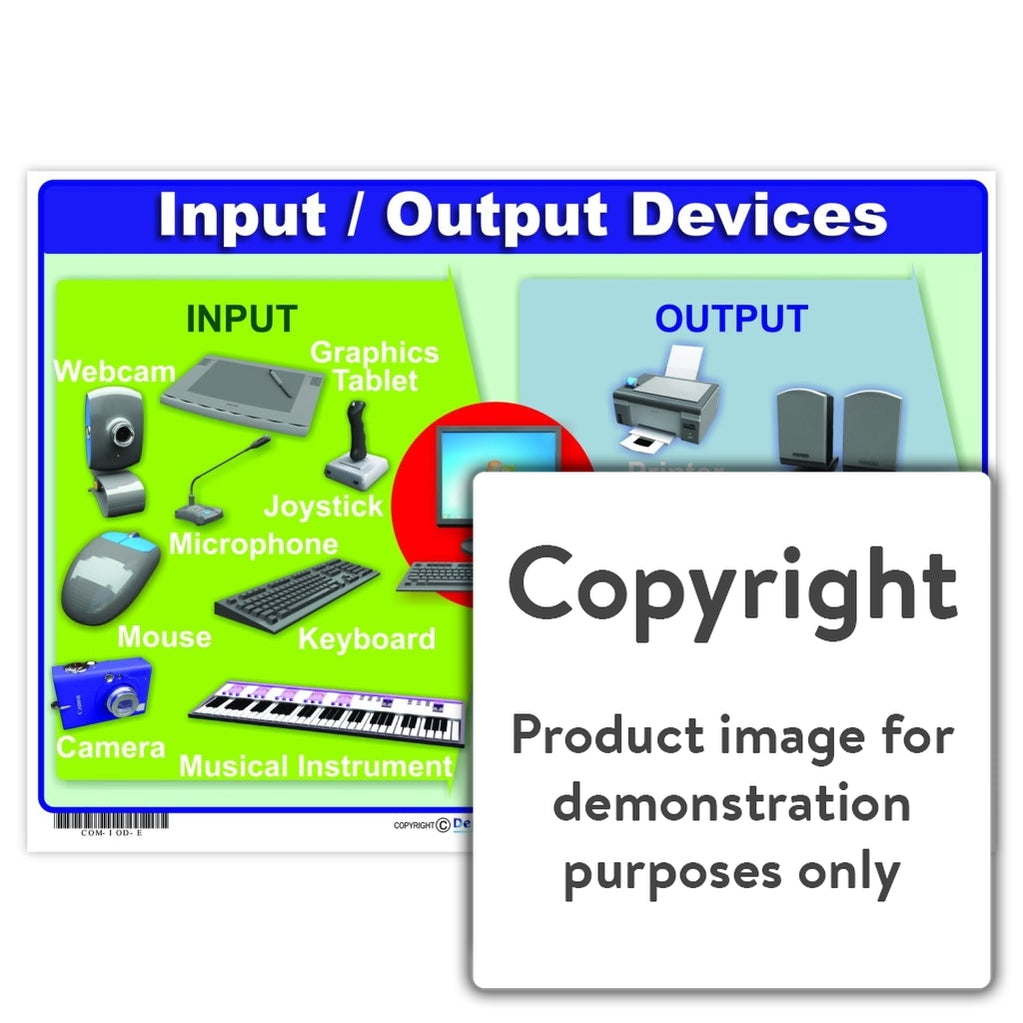
Question: How do computers and robots know what to do? Explore visual cards showing INPUT devices (keyboard, microphone, sensors) Explore visual cards showing OUTPUT devices (speakers, screens, lights) Connect to Indi Sphero: receives commands (input) and responds with movement, lights, sounds (output)

Movement & Mapping Activity
Form groups with 1 Indi Sphero per group Create a simple 3x3 floor grid for robot movement Assign roles: some students are INPUT devices, others are OUTPUT devices Act out data flow by passing a 'data ball' from input to output Simulate how data flows through a digital system using physical movement
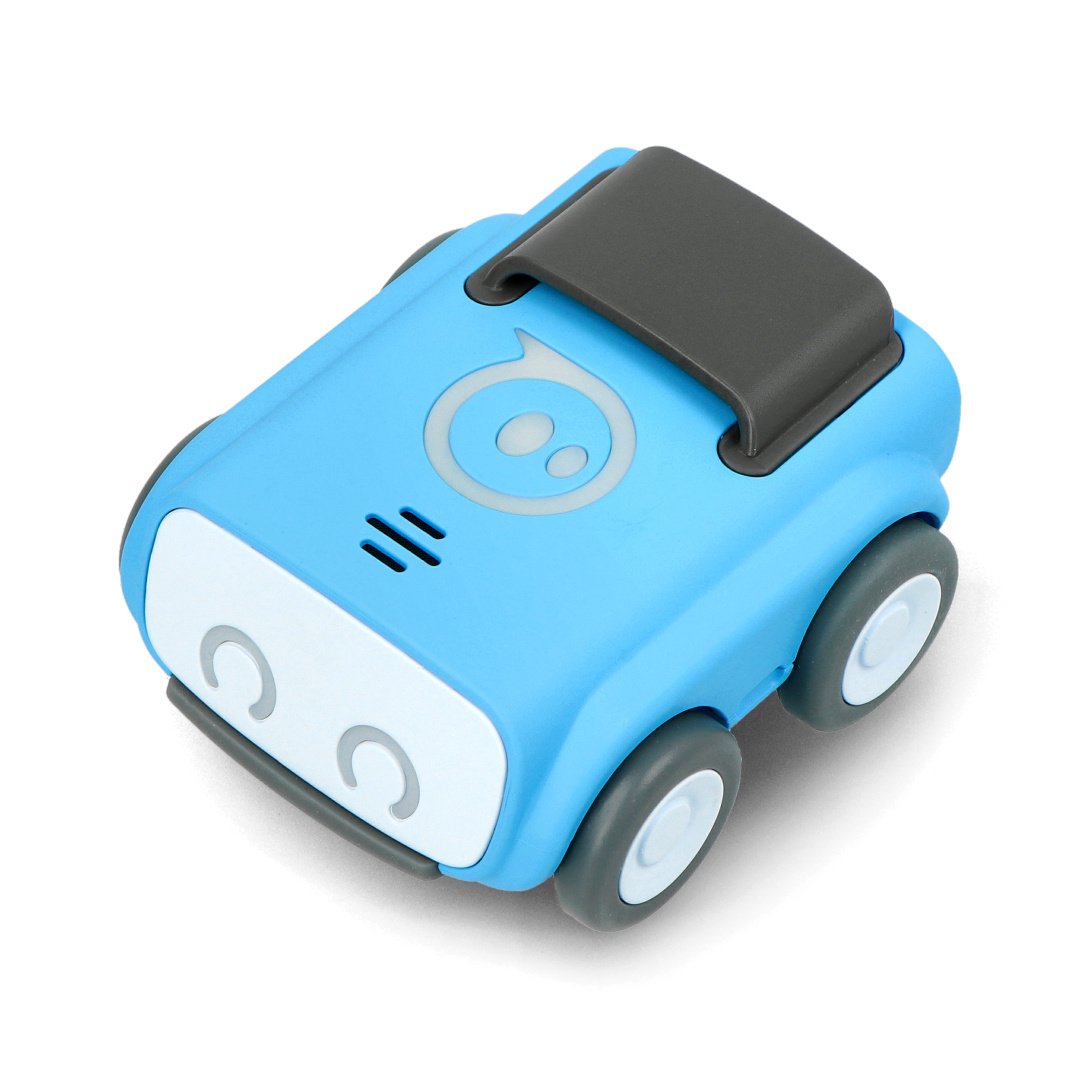
Hands-On Programming with Indi Sphero
Program Sphero to light up green when moving forward (input = move command, output = light) Use Sphero's sensors to detect tilt and make beep sounds Explore app blocks for sensor input and output commands Work collaboratively to complete programming challenges Discuss how input triggers output in your programs
Reflection & Sharing via Seesaw
Upload a video or photo of your Sphero's input-output task Record or write one sentence explaining data flow Use voice-to-text or audio recording (dyslexia-friendly options) Share your group's process with the class Celebrate successful programming solutions
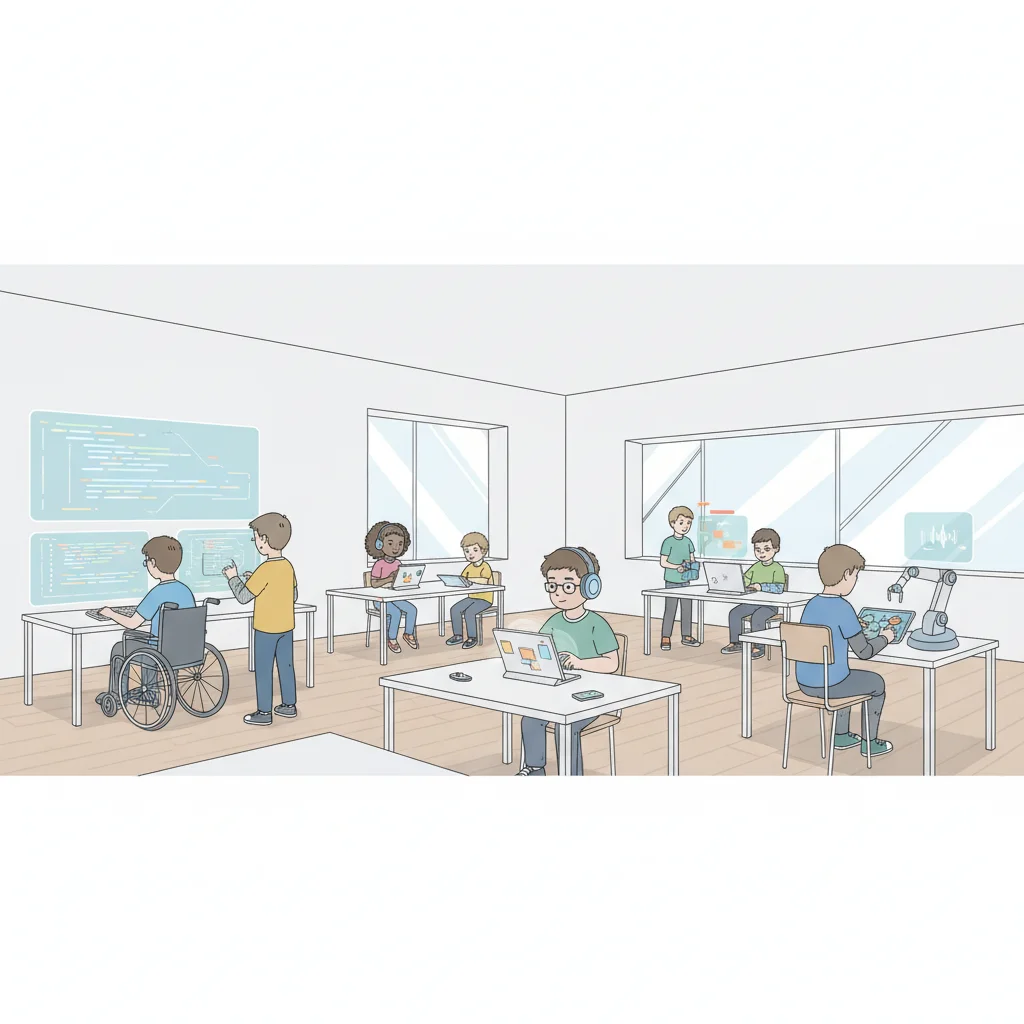
Differentiation & Support Options
{"left":"Advanced Learners: Program conditional outputs (fast roll = red light, slow roll = blue light)\nDesign user stories for different sensor inputs\nCreate complex sequences with multiple input-output combinations\nDyslexia-Friendly: Use visual instructions and demonstrations","right":"Provide oral instructions before each task\nAllow voice recording in Seesaw instead of writing\nUse clear, simple language with bold headings"}
Assessment Overview
Formative assessment through observation of group discussions Student explanations during Seesaw reflections Ability to program Indi Sphero input-output responses Understanding demonstrated through physical data flow activities Collaborative problem-solving skills